 eeeson
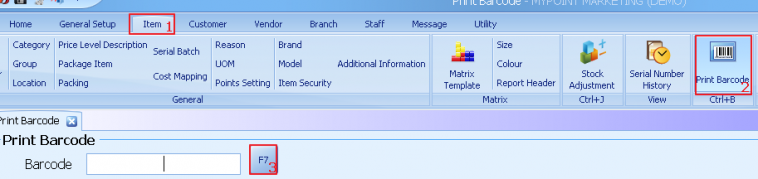
Barcode setting
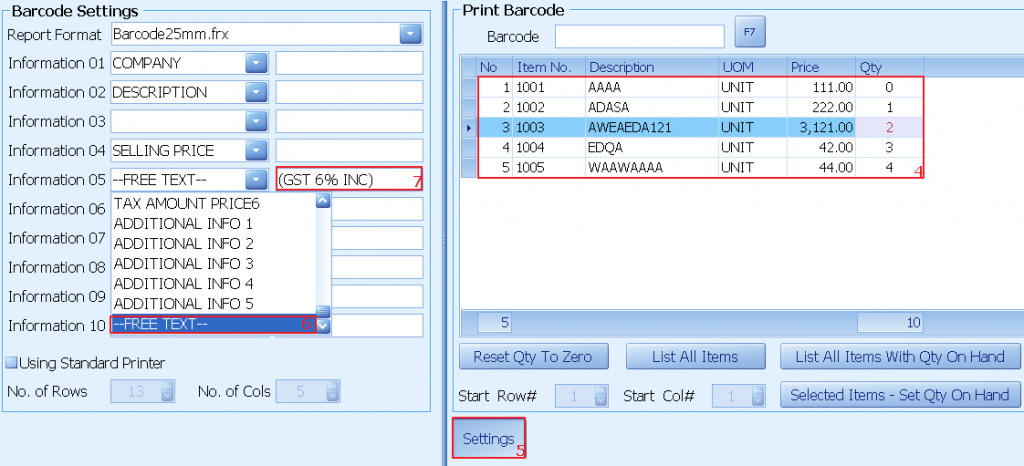
1) Select item
2) Select print barcode
3) Click on F7 to view the item list
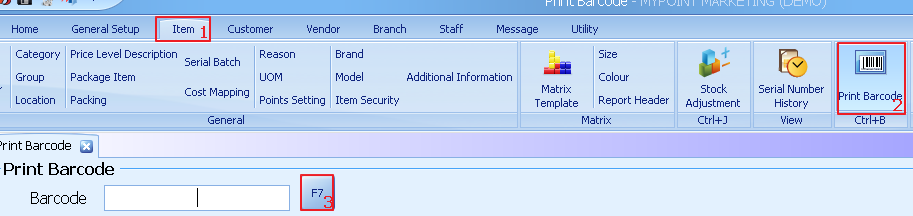
4) Enter the quantity of label to print out
5) Click on settings
6) On barcode setting select –FREE TEXT—
7) Enter the text
Design in barcode label
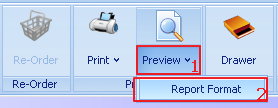
1) Select preview
2) Click on report format
3) Select format BARCODE LABEL(25mm*35mm)
4) Click on add(+)
5) Enter new description for report format
6) Click on ok
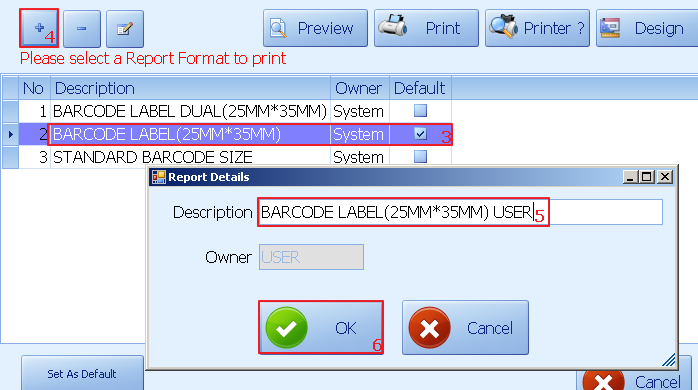
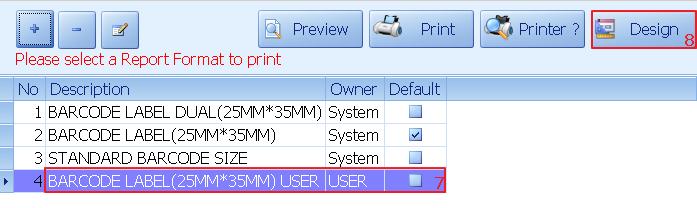
7) Select the new report format
8) Click on design
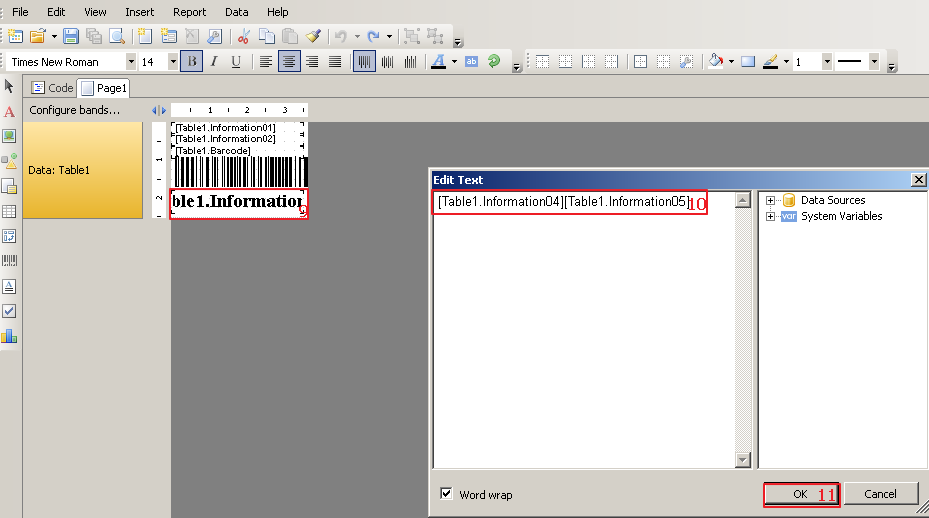
9) Under report design double click on the table1. Information04
10) Add Table1.Information05
11) Click ok
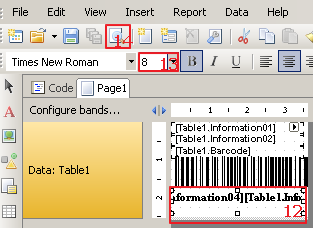
12) Click on [Table1.Information04] [Table1.Information05]
13) Change the font size to 8
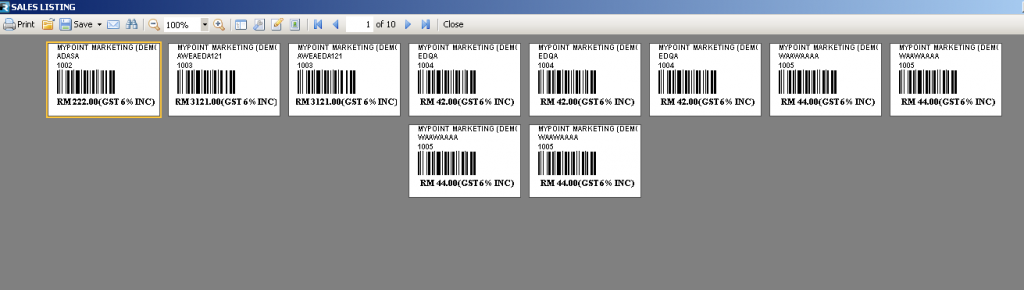
14) Click on preview
Example:
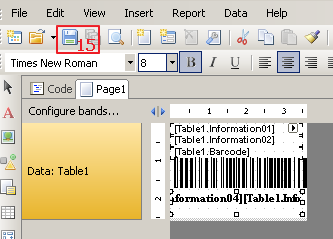
15)
Click on the save button to save the report
design
16) Click on latest report format
17) Click on set as default
18) Select yes to set as default format