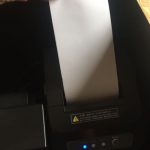
 eeeson
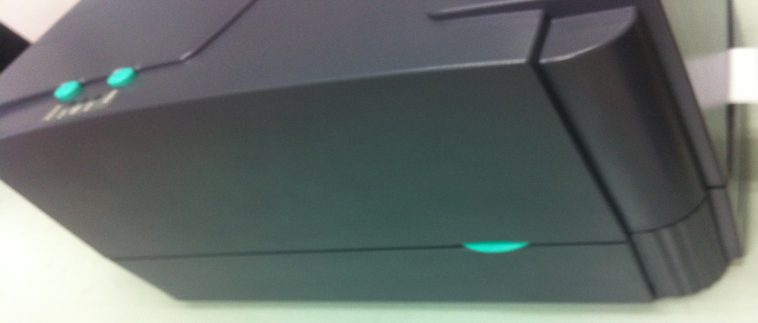
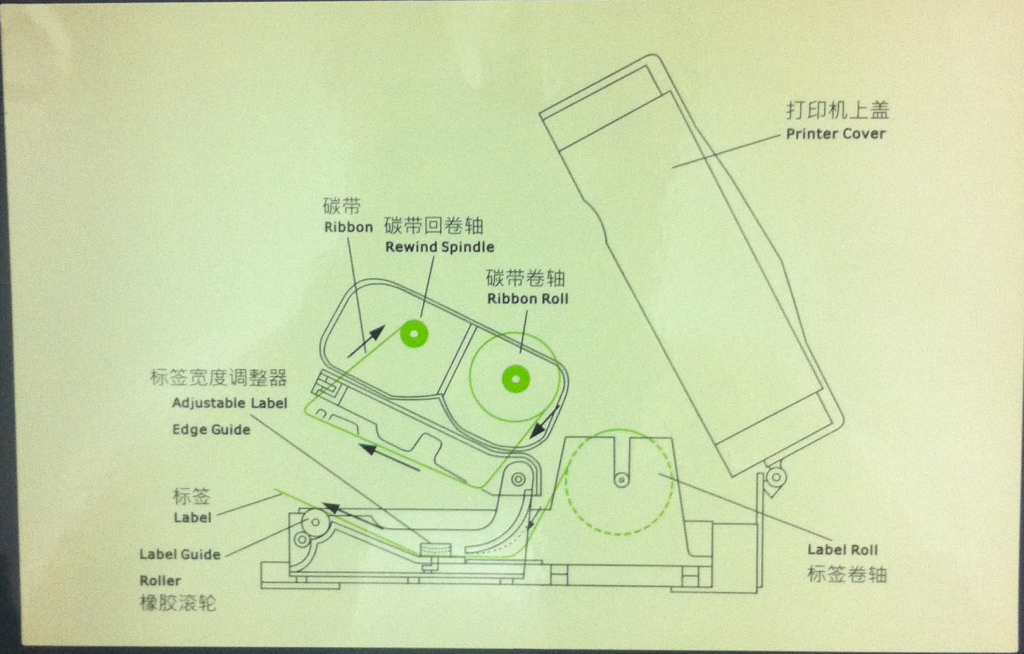
1) Click on both green button on the barcode printer to open the cover
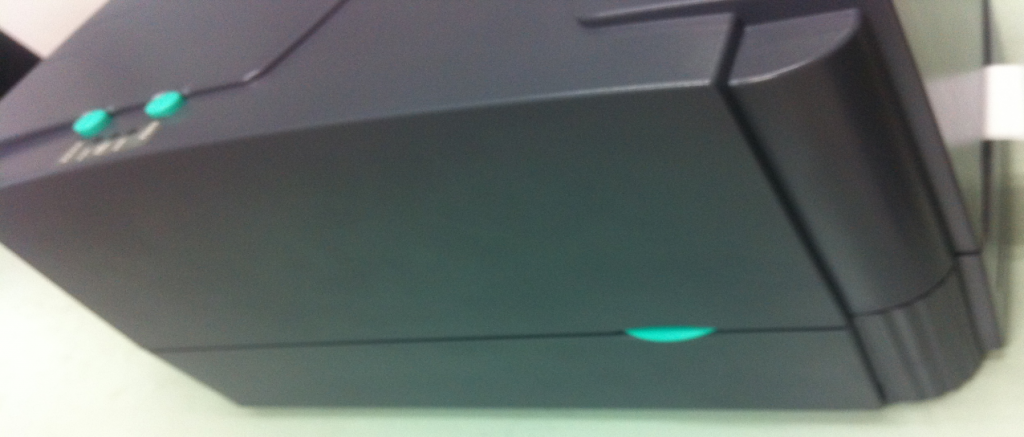
2)
Click on both
green button on the barcode printer to open the cover
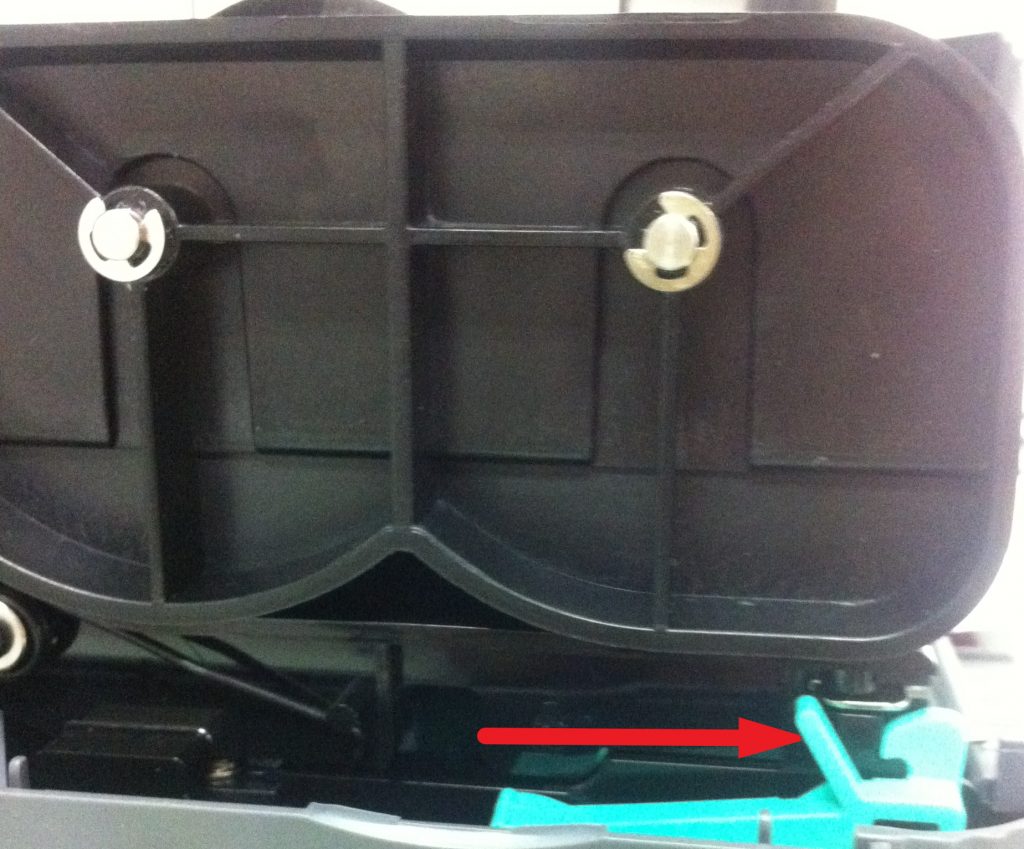
3) Push the clip forward as the red direction shown above
4)
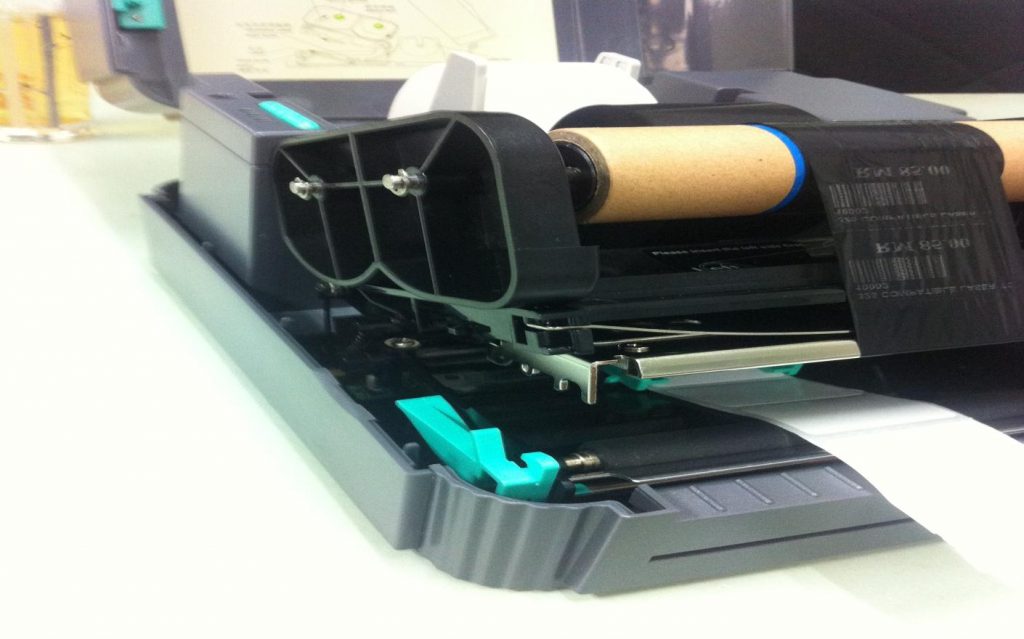
After that it will open as shown above
5) Insert the ribbon follow the red direction above and turn on clockwise
6) Push the spring as follow the blue direction so the ribbon can insert
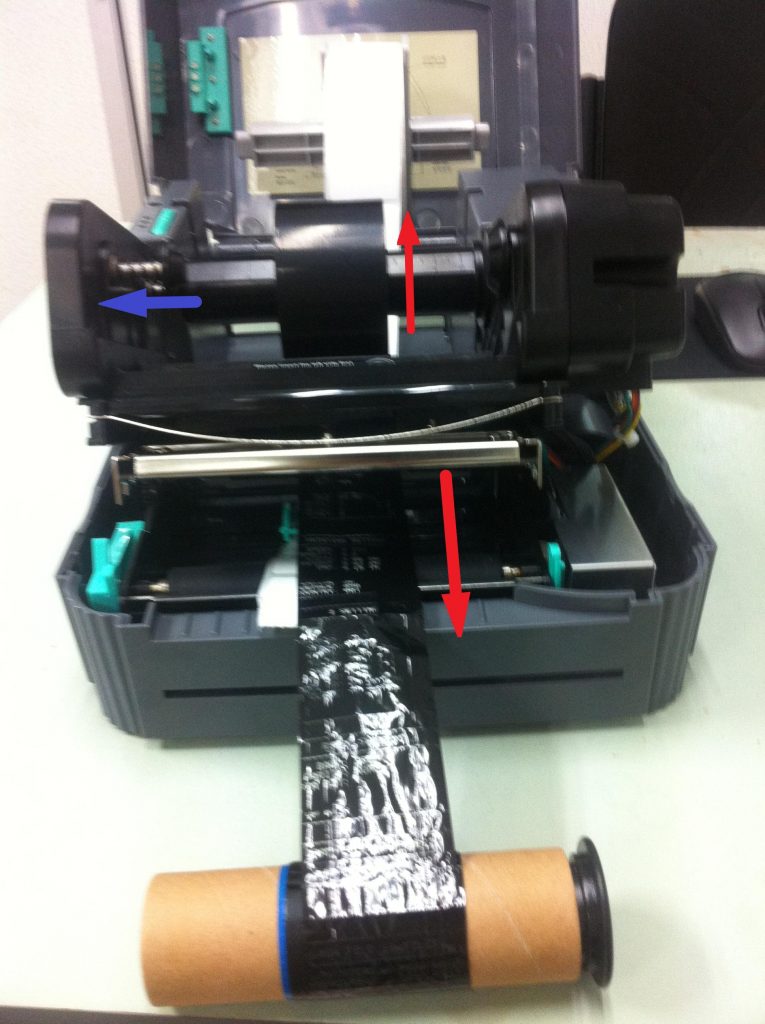
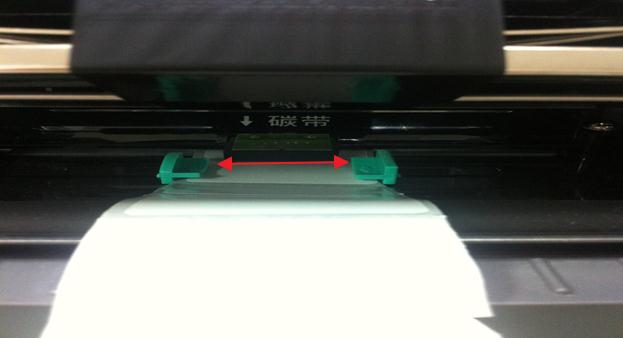
7) The barcode ribbon must tally with barcode label and the adjustable label must tighten the label
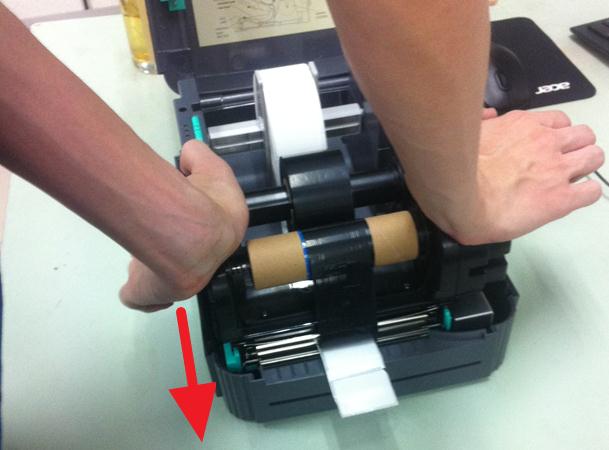
8) Turn downward with two hand to lock it
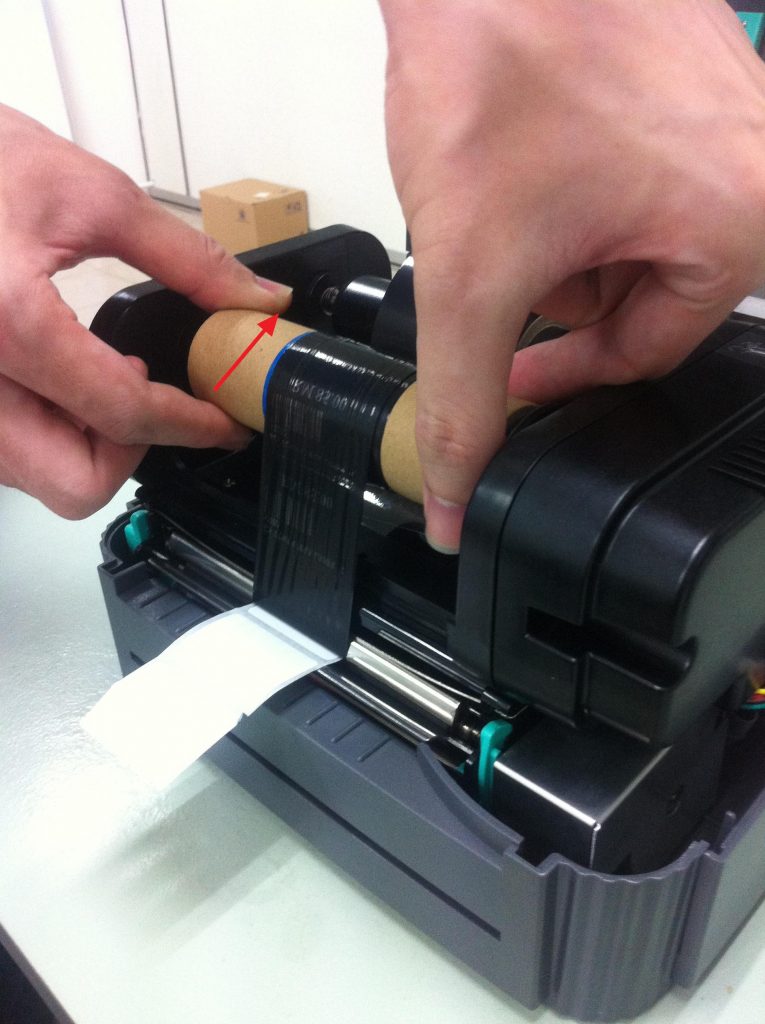
9) Turn the ribbon clockwise as follow red direction to tighten it
10) Complete