 eeeson
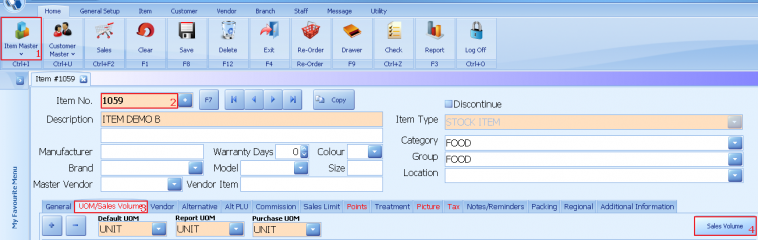
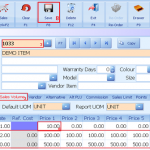
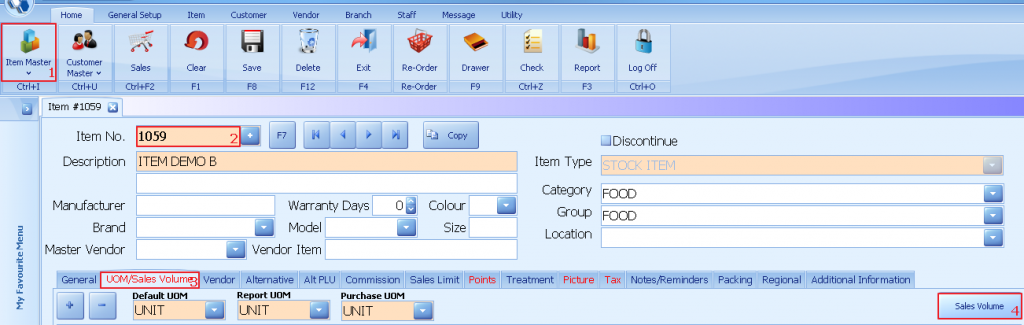
1. Select item master
2. Select an item
3. Click on UOM/Sales Volume
4. Click on sales volume
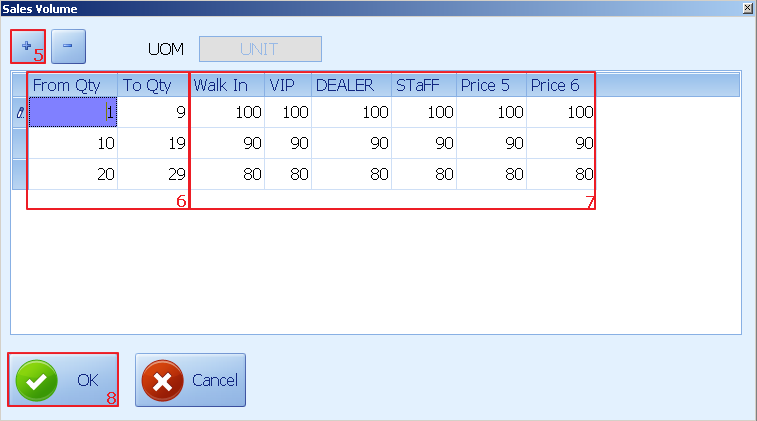
5. Click +
6. Set the quantity distance
7. Set the price level
8. Click ok to update
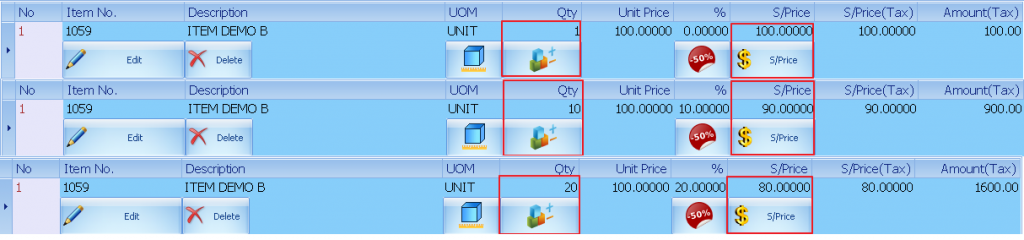
Example on sales screen:
When quantity is 1 the selling price is RM100
When quantity is 10 the selling price will update to RM 90 each
When quantity is 20 the selling price will update to RM 80 each