 Hui Leong
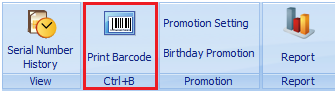
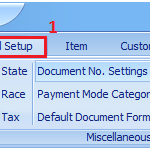
1. Go to Item > Print Barcode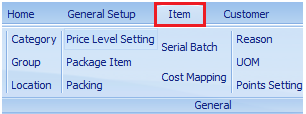
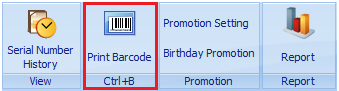
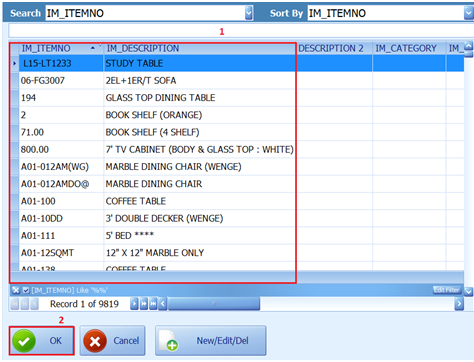
2. Press “F7” and select the item you want to print barcode
Press “OK” to continue
3. Insert Quantity barcode you want to print* MUST AT LEAST INSERT ONE QUANTITY

4. Click “Preview” to preview barcode
“Report Format” to design format and select format
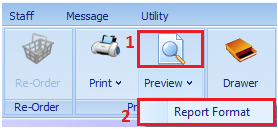
5. Select barcode format and set default
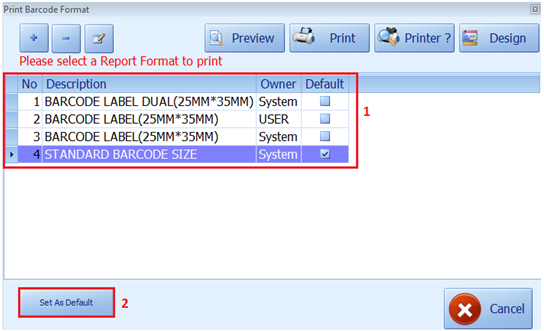
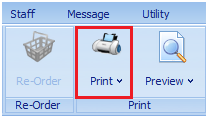
6. Press “Print” button to print barcode