 eeeson
1. Select staff
2. Select user access
3. Select the user id that access able
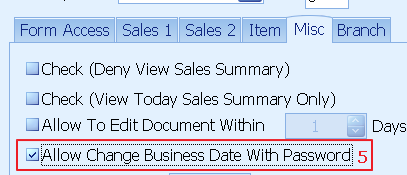
4. Select misc
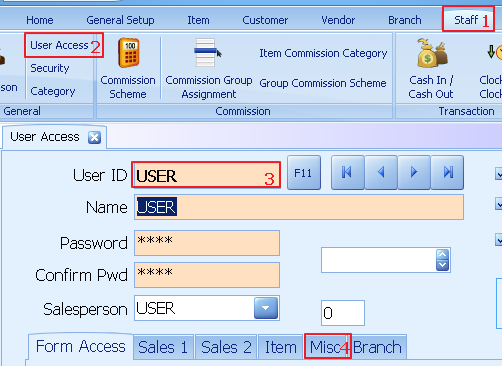
5. Tick the column allow change business date with password
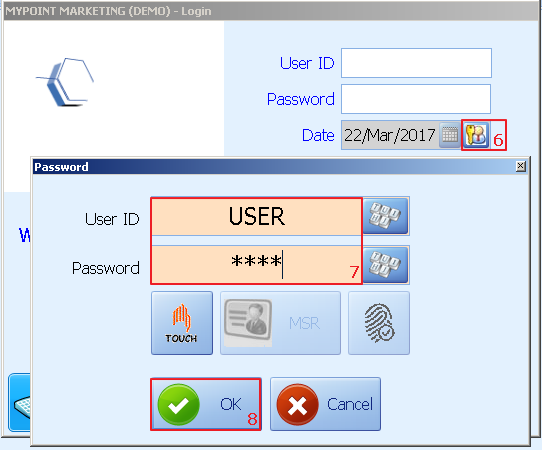
6. Login screen click on the button
7. Enter the id that authorized to change system date
8. Click ok
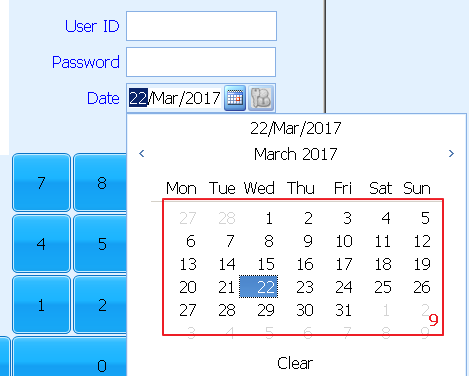
9. Enter the date that wish to change to
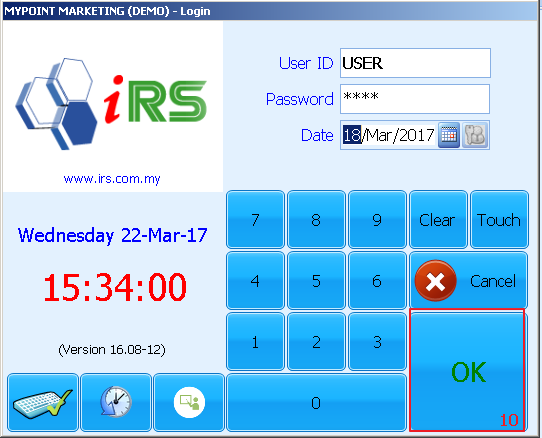
10.
Once confirm click ok to login system
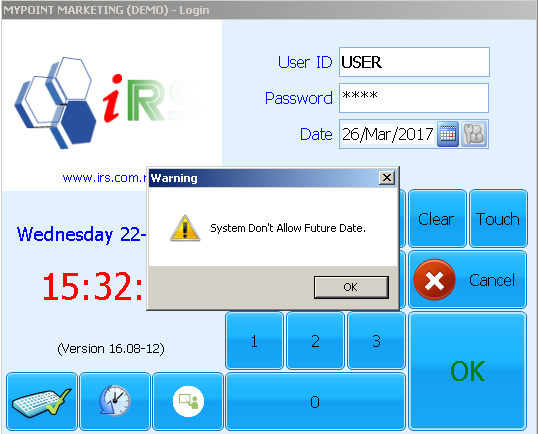
ATTENTION:
System don’t allow future date in setting