 eeeson
This situation happen when hardware changes in device setting
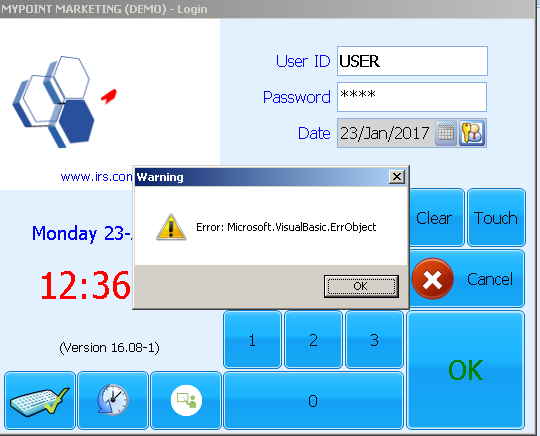
Solutions:
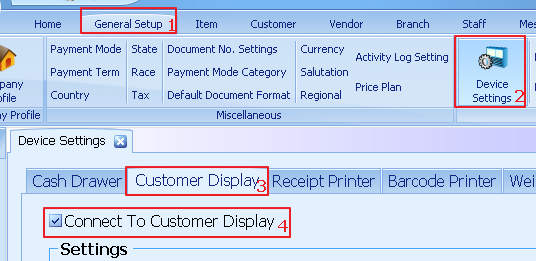
1. Select general setup
2. Select device settings
3. Select customer display
4. Untick connect to customer display
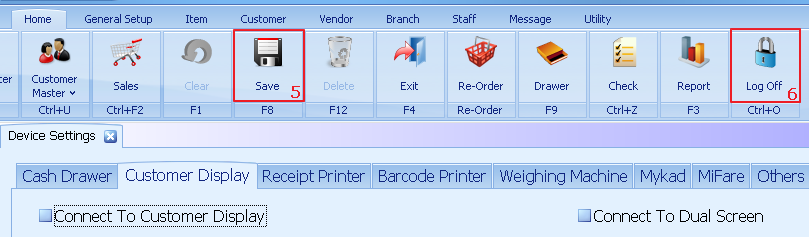
5. Click save
6. Log off the user
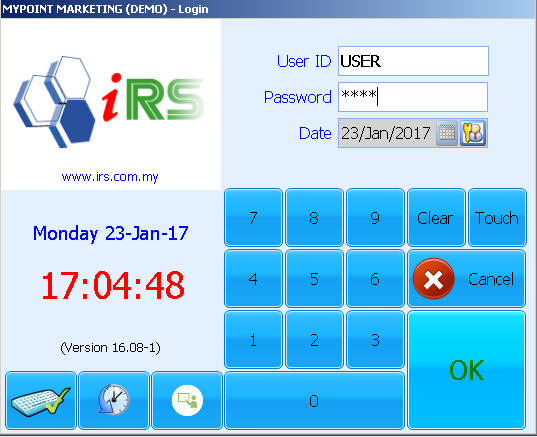
Sign in again and the error will not appear